
← Help
How students take exams (no accounts)
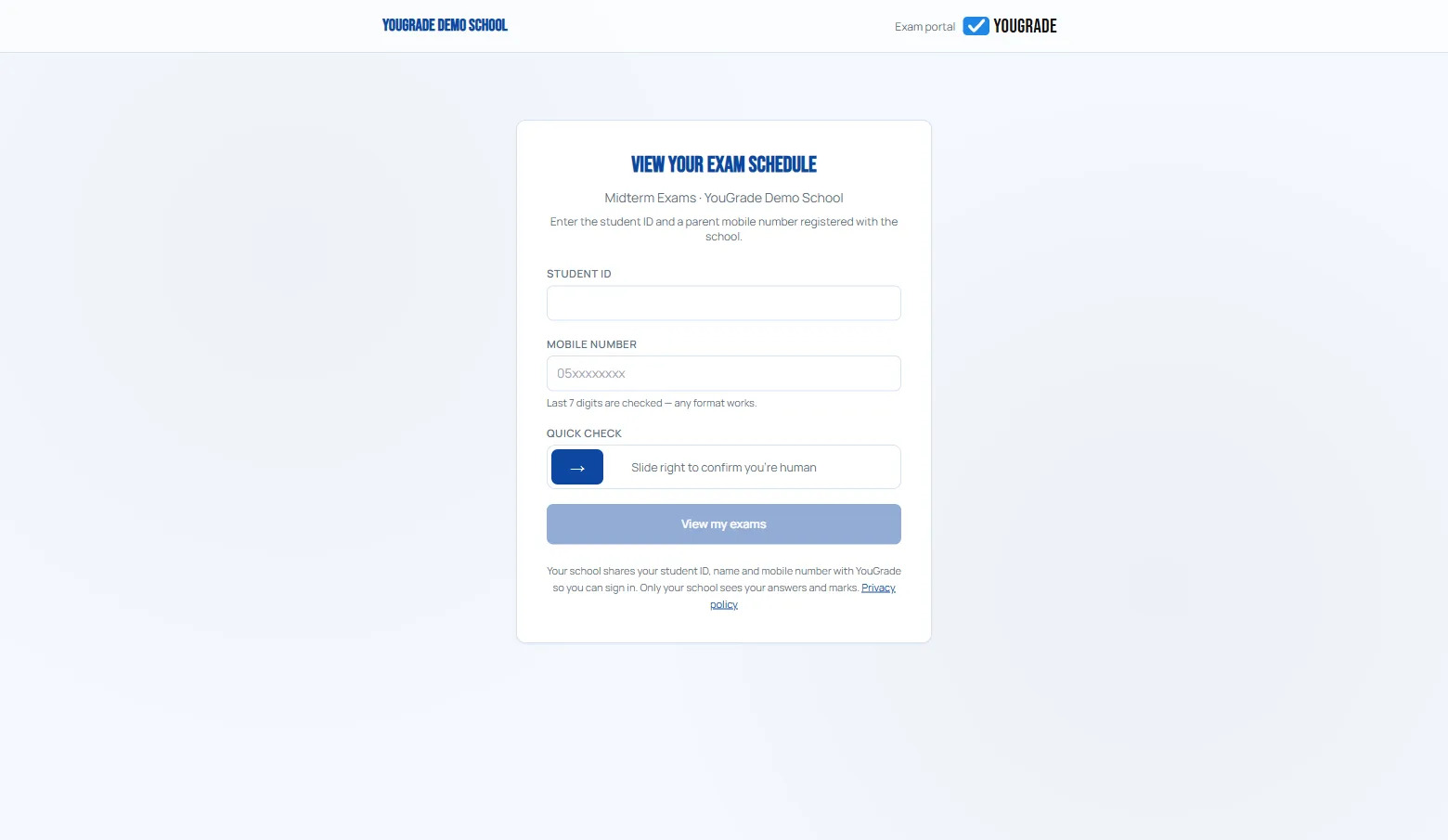
ReferenceYouGrade has no student accounts — here's the flow:
- Open the plan's exam link (shared by the school).
- Enter Student ID (from the roster) + mobile number — the last 7 digits are compared.
- Complete the slide-to-verify check.
- See your schedule — exams unlock while their window is open.
- Answers autosave on every navigation; the timer is enforced server-side.
One attempt per student per paper. A lost connection or device switch resumes where they left off — nothing answered is lost.
Related
Anti-cheat options →
The integrity report →
Marks grid, absences & export →
Why Schools Are Moving Exams Online →
Still stuck? Contact us