
← Help
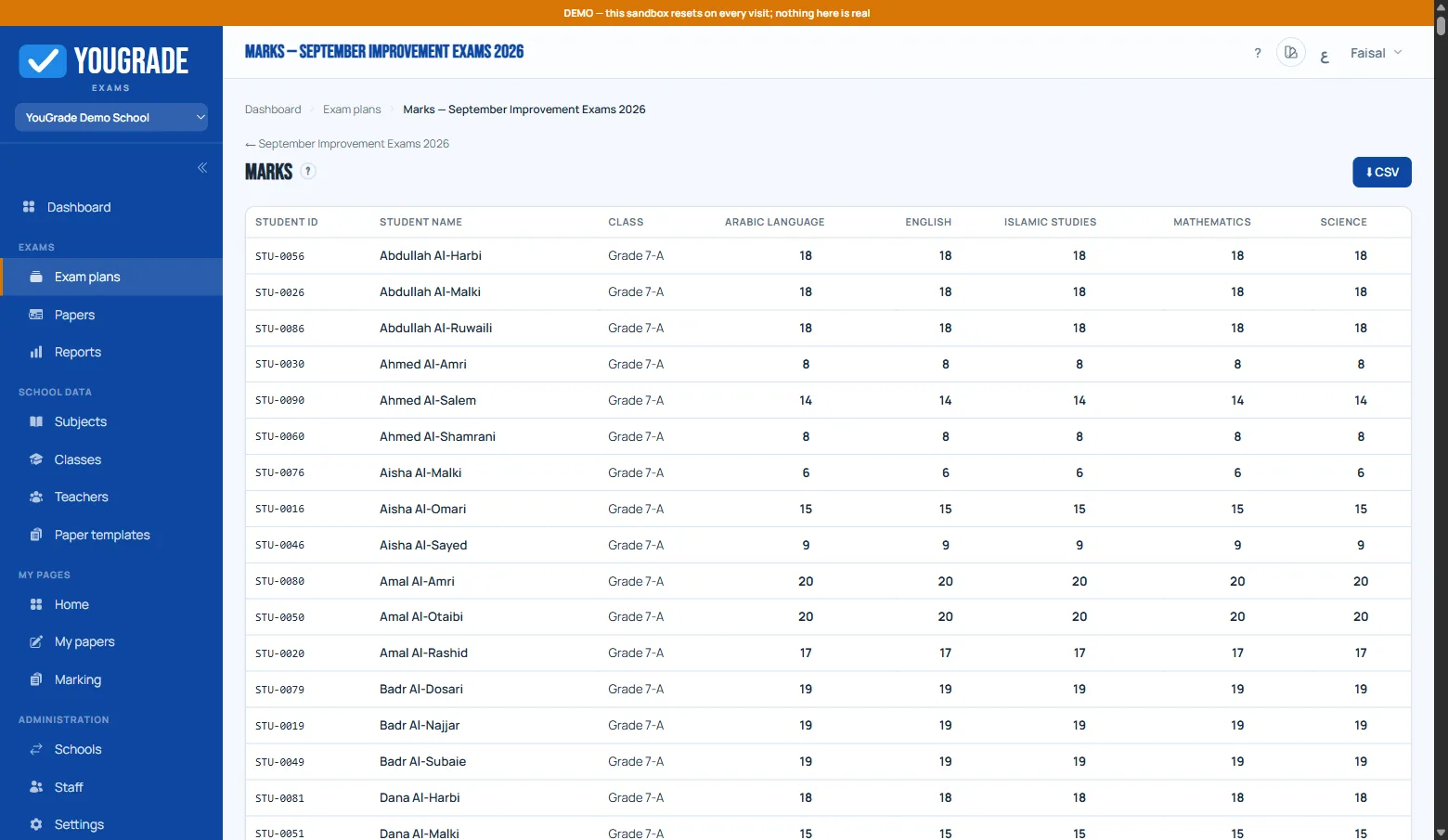
Marks grid, absences & export
ReferenceThe marks grid (plan → Marks) shows every roster student × subject:
- Final score once marked; submitted for auto-scored papers awaiting finals; in progress for live attempts.
- Absent — hover an empty cell and flag the no-show; it lands in the grid and the CSV.
- Export — downloads a class-wise marks CSV (raw scores).
The Reports page adds the per-plan funnel: roster → attempts → submitted → marked.
Related
How students take exams (no accounts) →
Anti-cheat options →
The integrity report →
Why Schools Are Moving Exams Online →
Still stuck? Contact us