
← Help
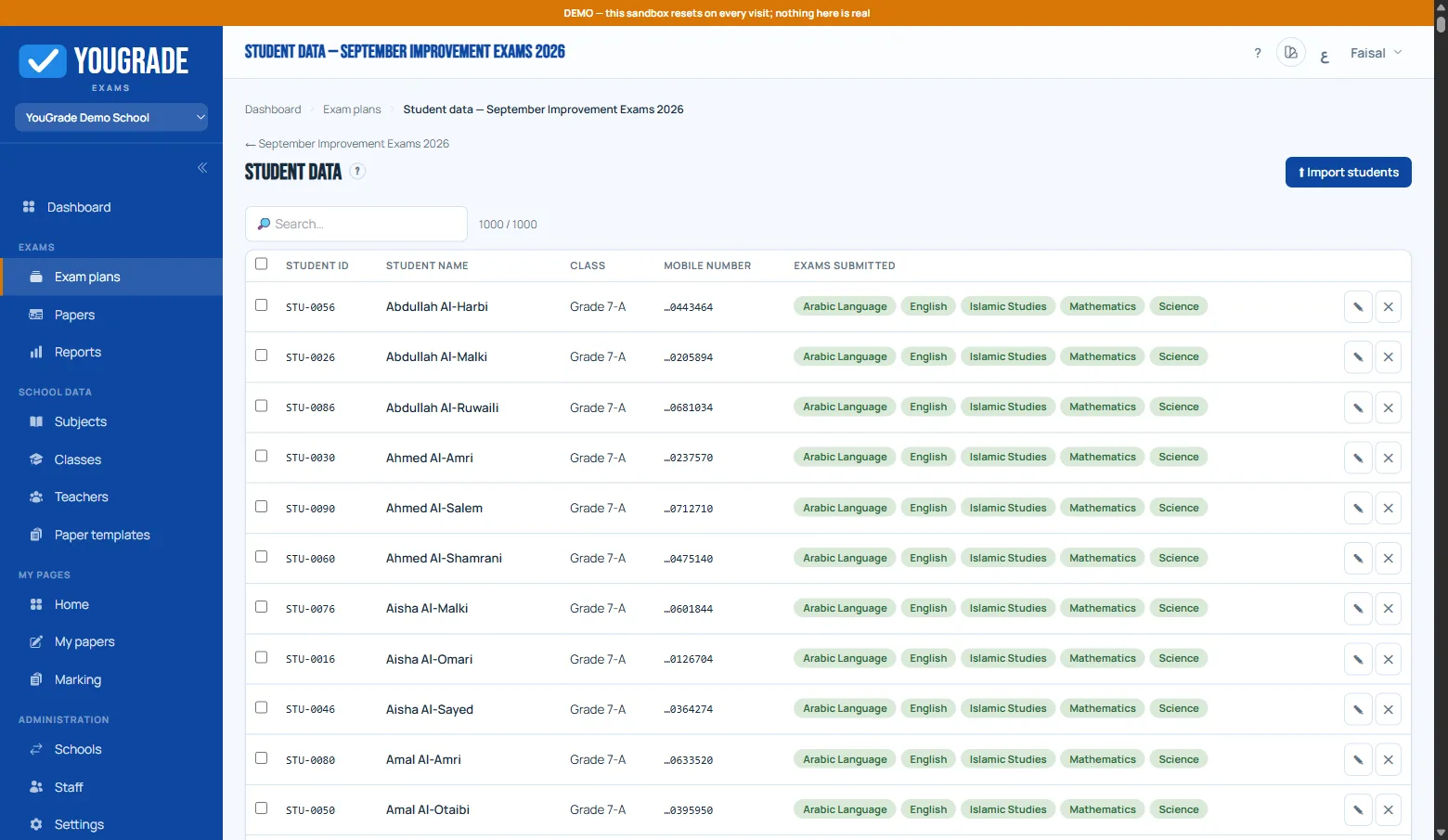
Importing students
Getting startedEach plan has its own roster — upload a CSV on the plan's Students page with the columns: Student ID, Name, Class, Mobile.
- Classes are created automatically on first sight of a class name.
- The preview flags duplicate IDs, missing fields and short mobile numbers — nothing is saved until you confirm.
- Mobiles are stored digits-only; students verify with the last 7 digits, so any format works.
- You can also copy a roster from another plan instead of re-uploading.
Free tier: unactivated schools are limited to 50 students per plan — activate a voucher to raise the cap.
Related
Still stuck? Contact us