
← Help
Teacher guide — papers & marking
Getting startedAs a teacher you have two jobs in YouGrade:
- Author papers — when an admin assigns you a paper you get an email. Open My papers, fill each section with questions of the required type and marks, then submit for review.
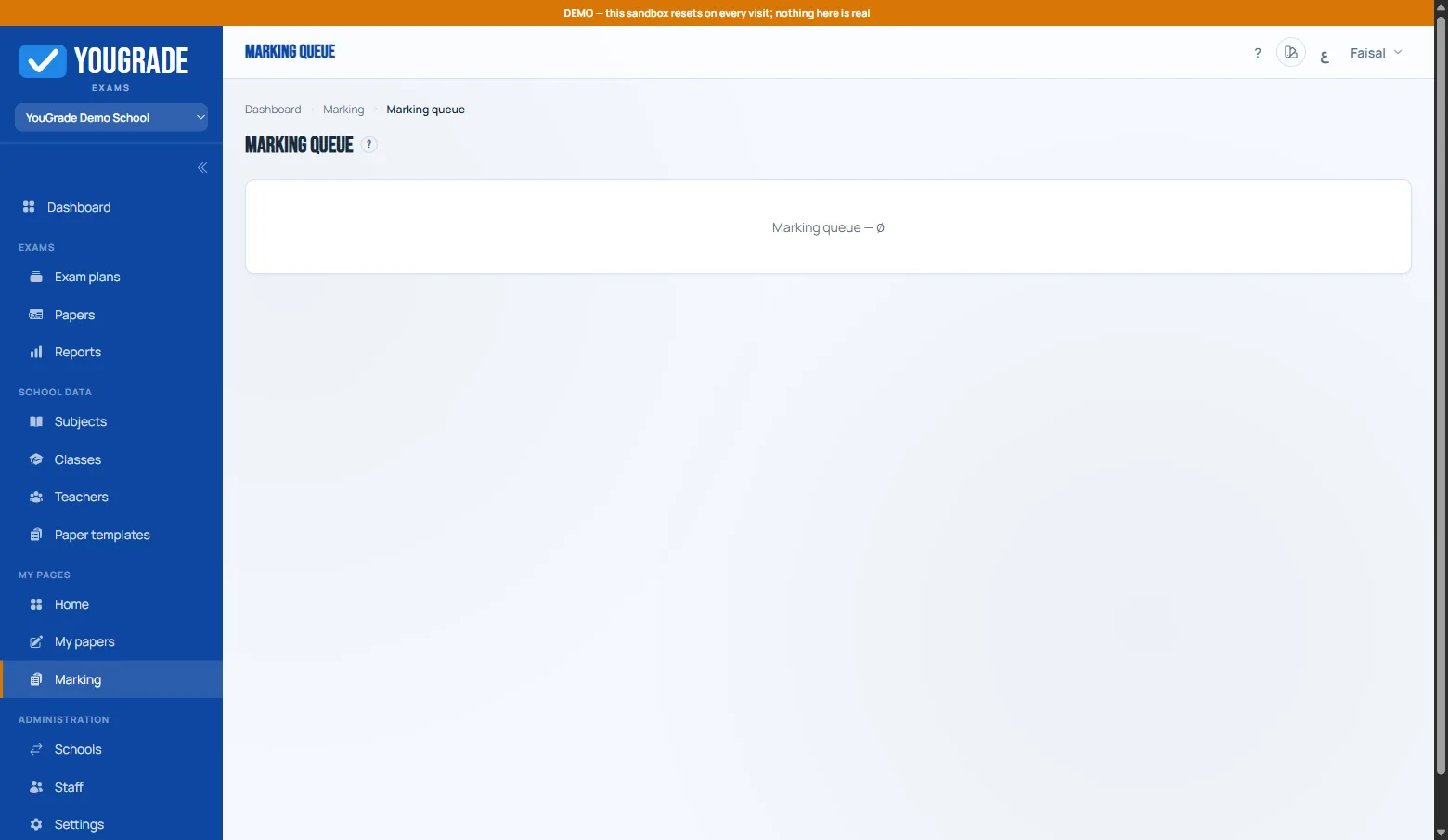
- Mark answers — after students submit, subjective answers appear in Marking. Award marks per question and finalize.
Objective questions (MCQ, true/false, fill-blank, matching, ordering, numerical) are auto-marked — you never touch them.
Related
Still stuck? Contact us