
← Help
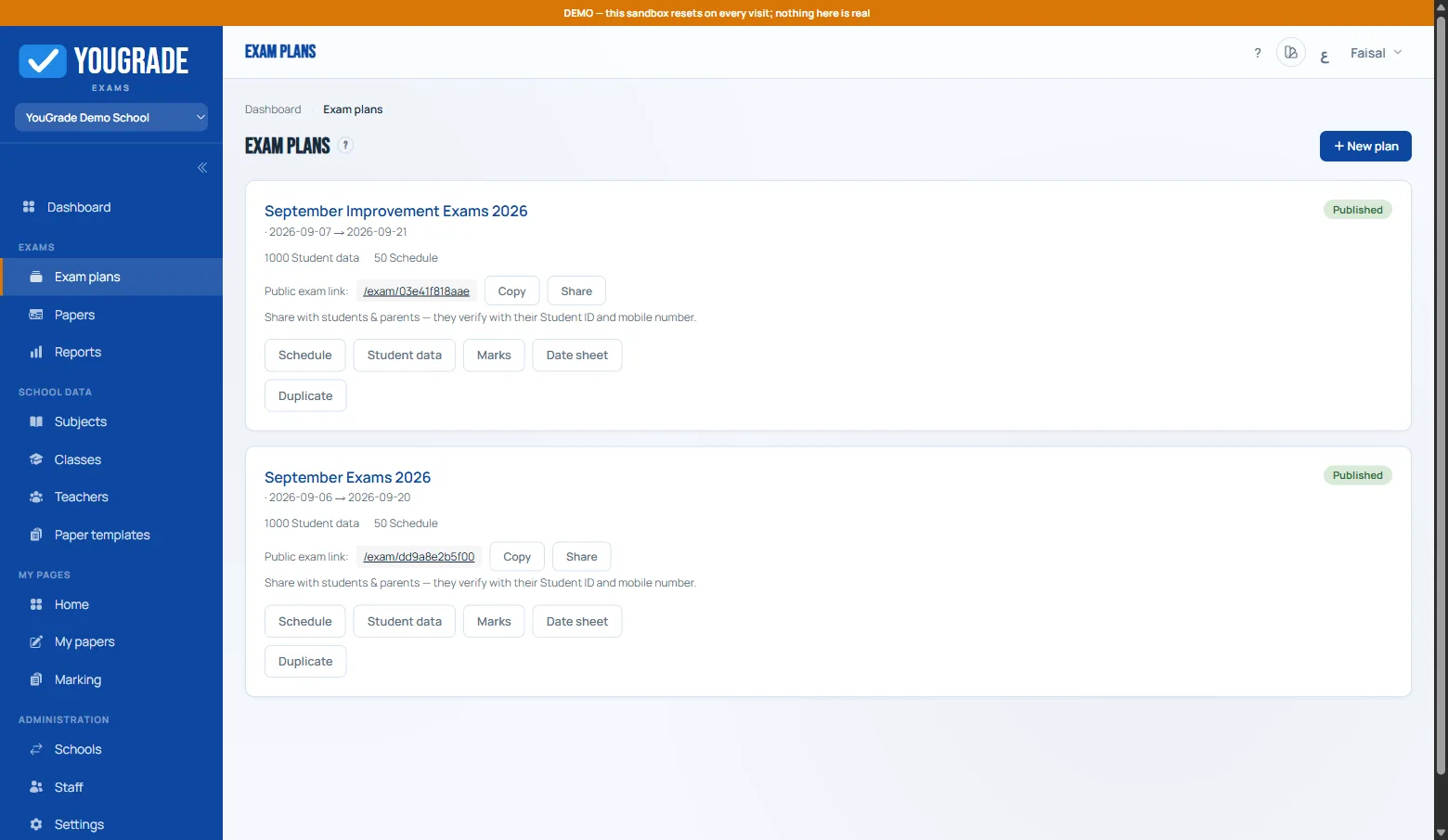
How an exam flows end-to-end
Getting startedEverything in YouGrade follows one pipeline:
- Plan — a named exam period (e.g. "First Term Exams") with its own dates, roster and settings.
- Schedule — a date × class matrix; each filled cell is one subject exam with a time and duration.
- Papers — every scheduled subject needs a question paper, authored by a teacher from a template.
- Review — a designated approver checks each submitted paper and approves or returns it with a note.
- Publish — the plan's public link goes live; students verify with Student ID + mobile last-7 digits.
- Sit — students take the exam in the browser; answers autosave as they go.
- Mark — objective questions score instantly; subjective ones land in the marking queue.
- Report — the marks grid fills in; export class-wise CSVs or flag absences.
Try it risk-free: the demo school ships with a full 1,000-student dataset — clone it from your dashboard and walk the whole pipeline.
Related
Still stuck? Contact us