
← Help
Marking answers
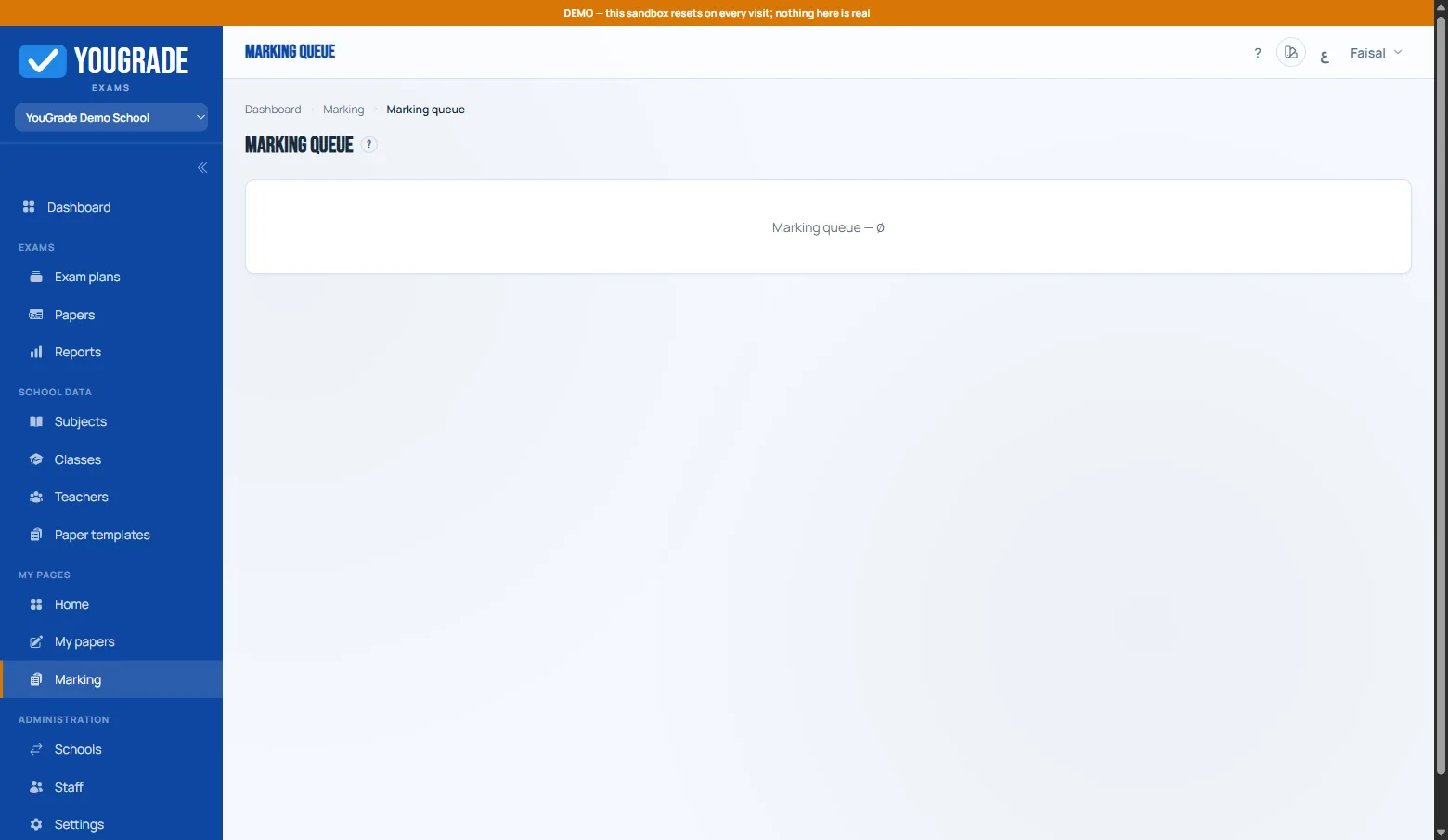
Exam workflowObjective questions are marked automatically on submit. The marking queue holds what needs a human:
- Attempts grouped by subject; click a student to open their answers.
- Award marks per question — auto-marked questions show read-only with their score.
- Model answers and student photo attachments appear next to the answer where they exist.
- Finalize computes the final score (auto + manual).
- Integrity tags (⚑) appear when the plan's anti-cheat flags are on — hover/click a tag for details.
Related
The schedule grid →
Paper templates & question types →
Assigning papers to teachers →
Reviewing & approving papers →
Still stuck? Contact us