
See YouGrade as It Is
Real screenshots from the system, grouped by function — from exam planning to marking. No sign-up needed.
Control Center
One dashboard shows the health of your exam operation at a glance — plans, papers, and alerts.

Admin Dashboard
Live cards for every stage: drafts awaiting assignment, papers in review, results ready to publish — with a shortcut for each action.
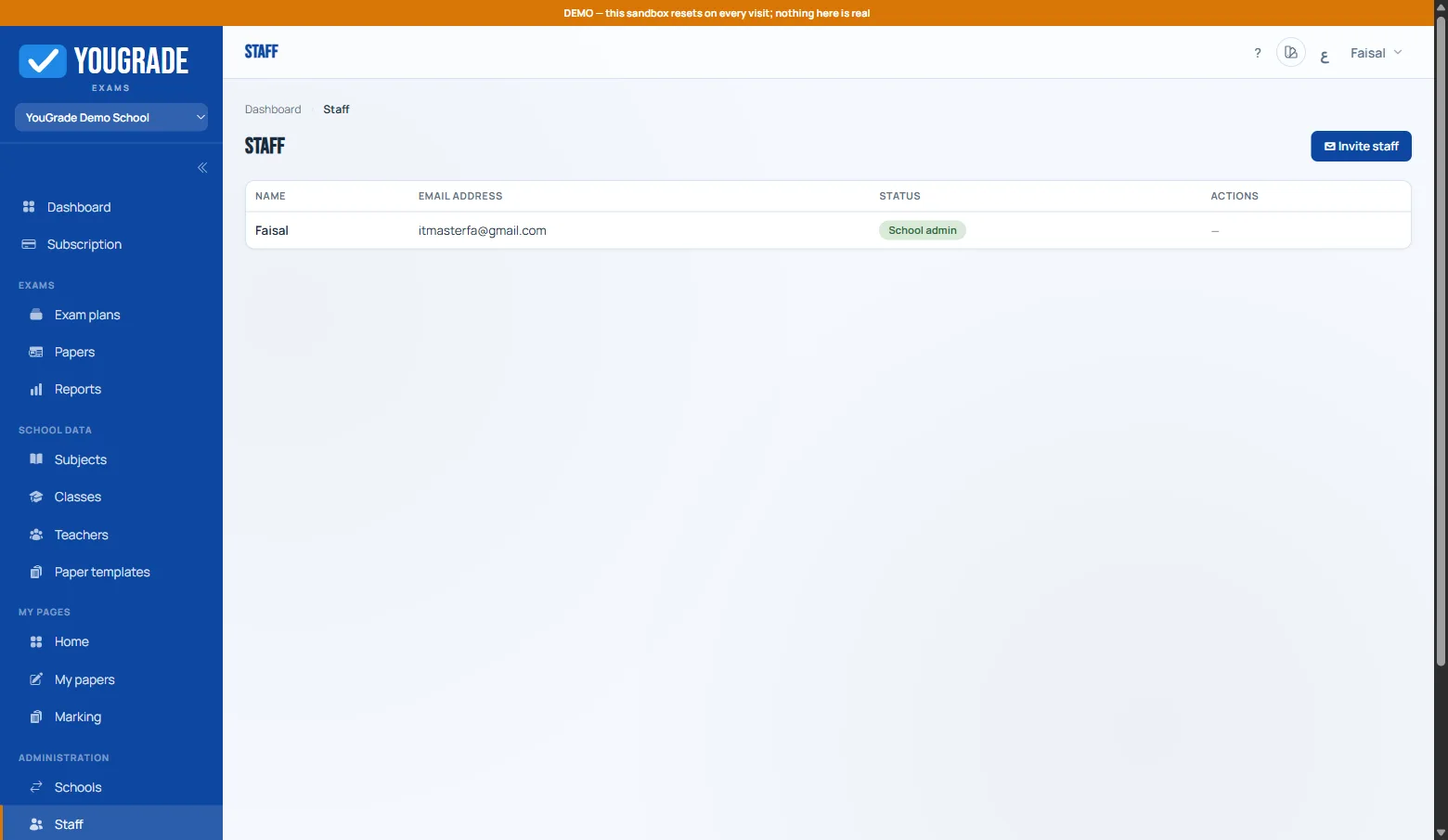
Staff Management
Roles and permissions in one place — admins, operators, teachers — with member activation controls that never lose data.
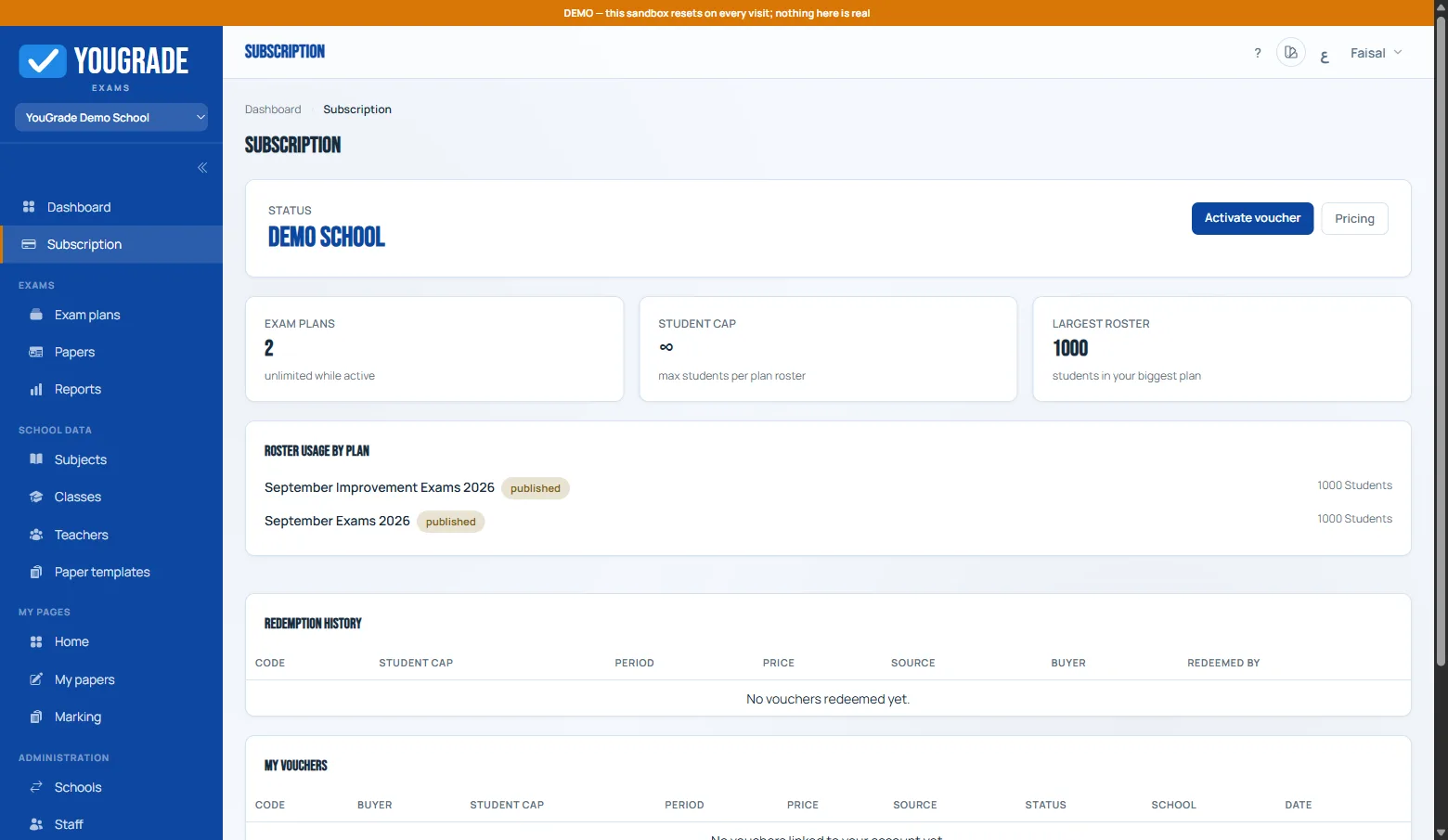
Subscription & Limits
Activation status, days remaining, per-plan roster caps — plus redemption history and one-click renewal.
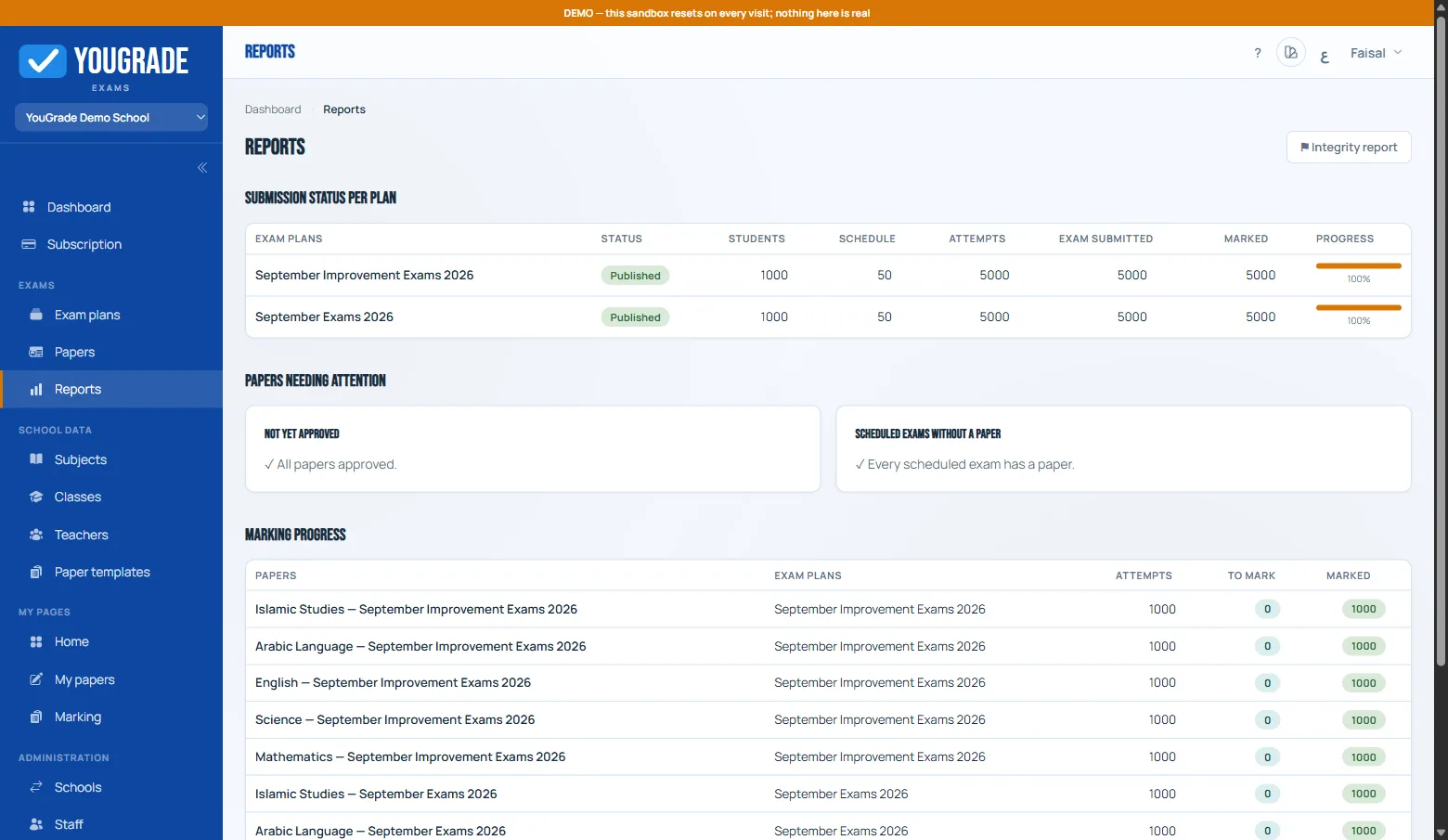
Reports Hub
Ready-made reports for every exam cycle: attendance, results, integrity — all filterable and exportable.
Planning & Scheduling
A dates × classes matrix that replaces exam spreadsheets — each cell is a timed exam.
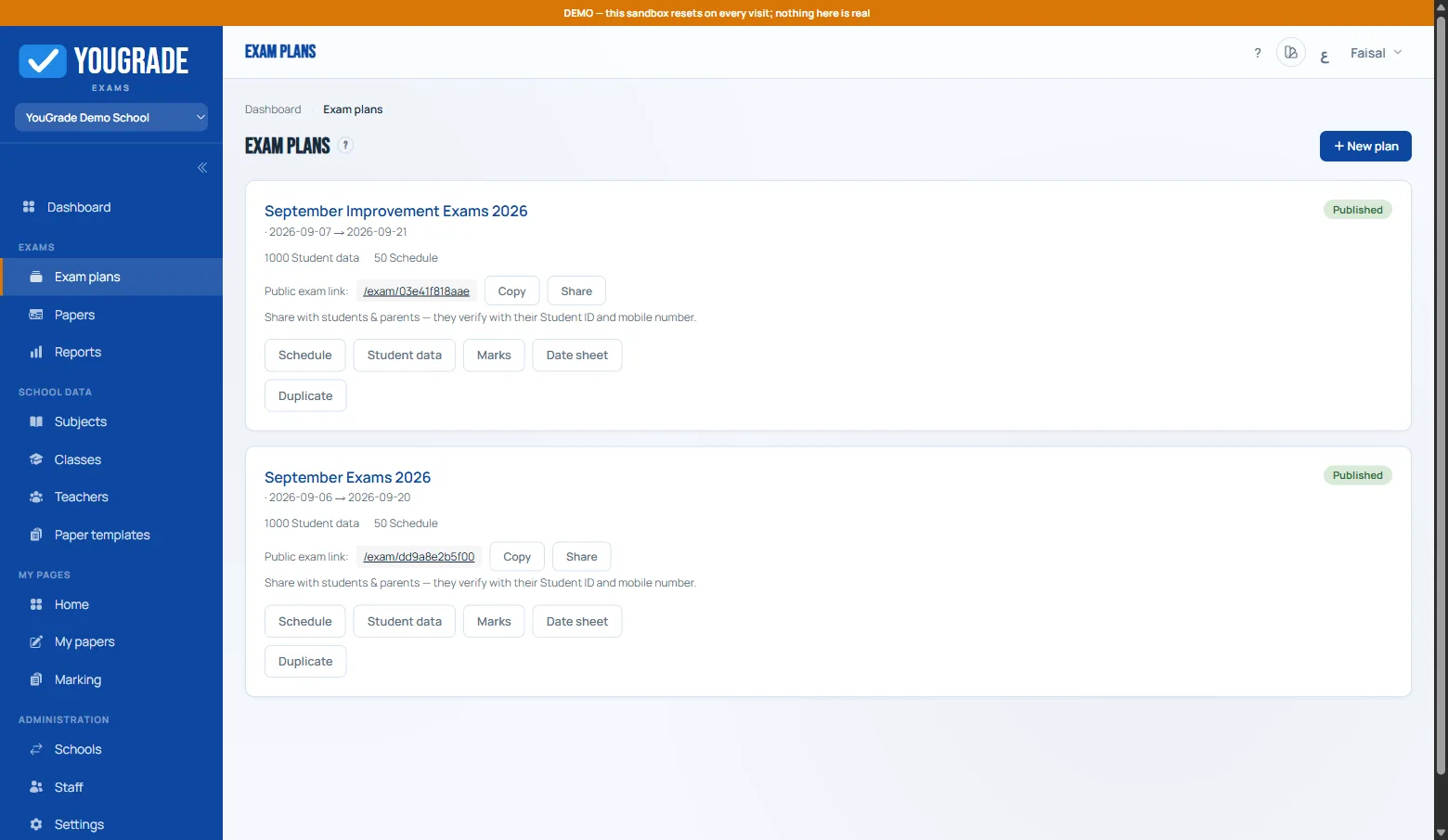
Exam Plans
Parallel term plans — start dates, durations, and the public access link, with pause-and-publish control whenever you need it.
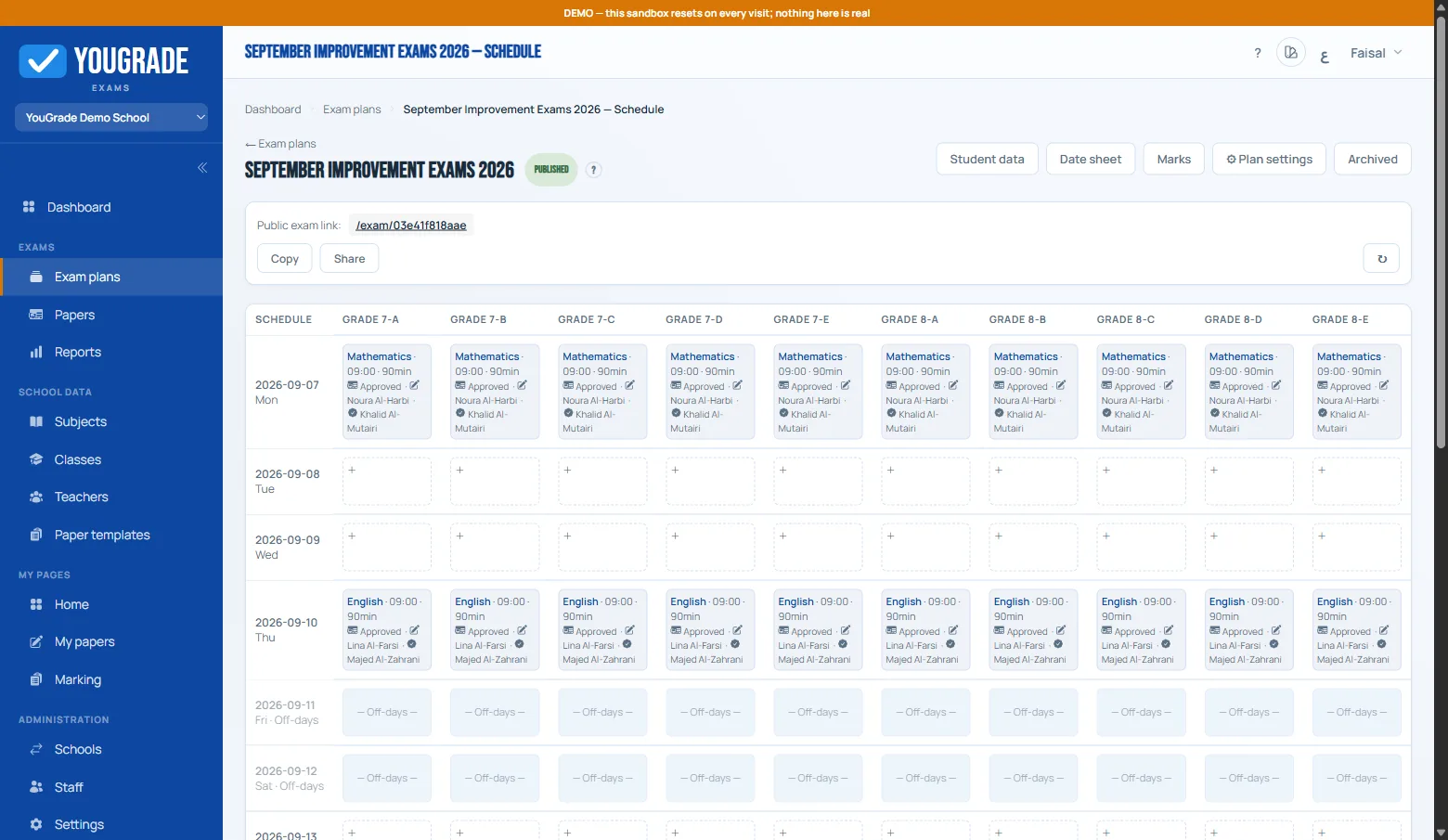
Schedule Grid
Dates down, classes across: click any cell to add an exam, pick the subject and start window — off-days are blocked automatically.

Date Sheet
The official date sheet in print-ready form for the notice board or parents — fully bilingual.
Papers & Marking
Templated sections, a real review chain, and auto-marking for objective questions.
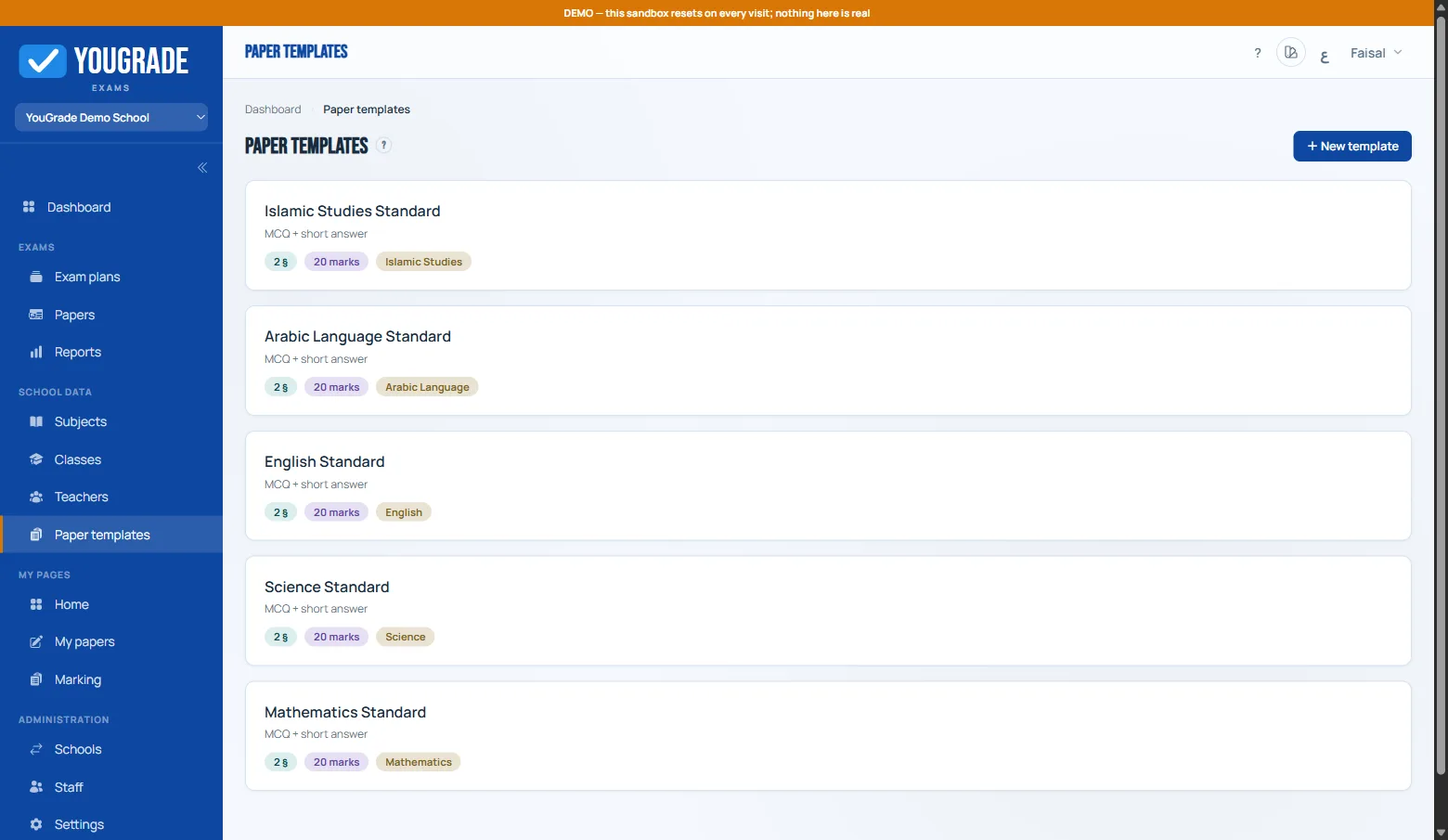
Paper Templates
One template powers every exam: sections with fixed question types and marks — spinning up a new paper takes seconds.

Review Queue
Every paper by status: from teacher draft to approver review — with return notes when sent back.
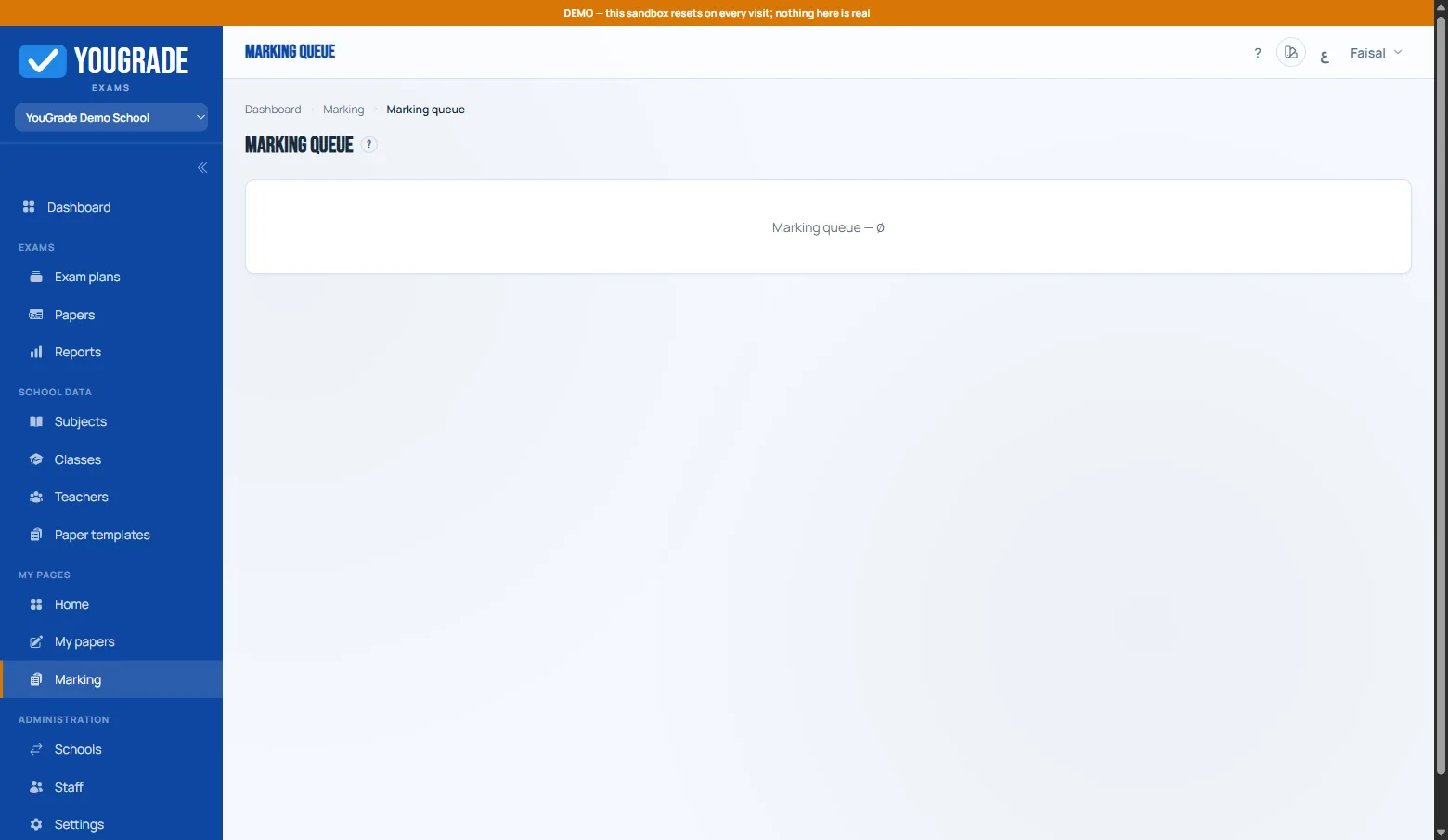
Marking Queue
Objective questions auto-mark; subjective ones reach markers grouped by subject and class — with photographed paper answers.
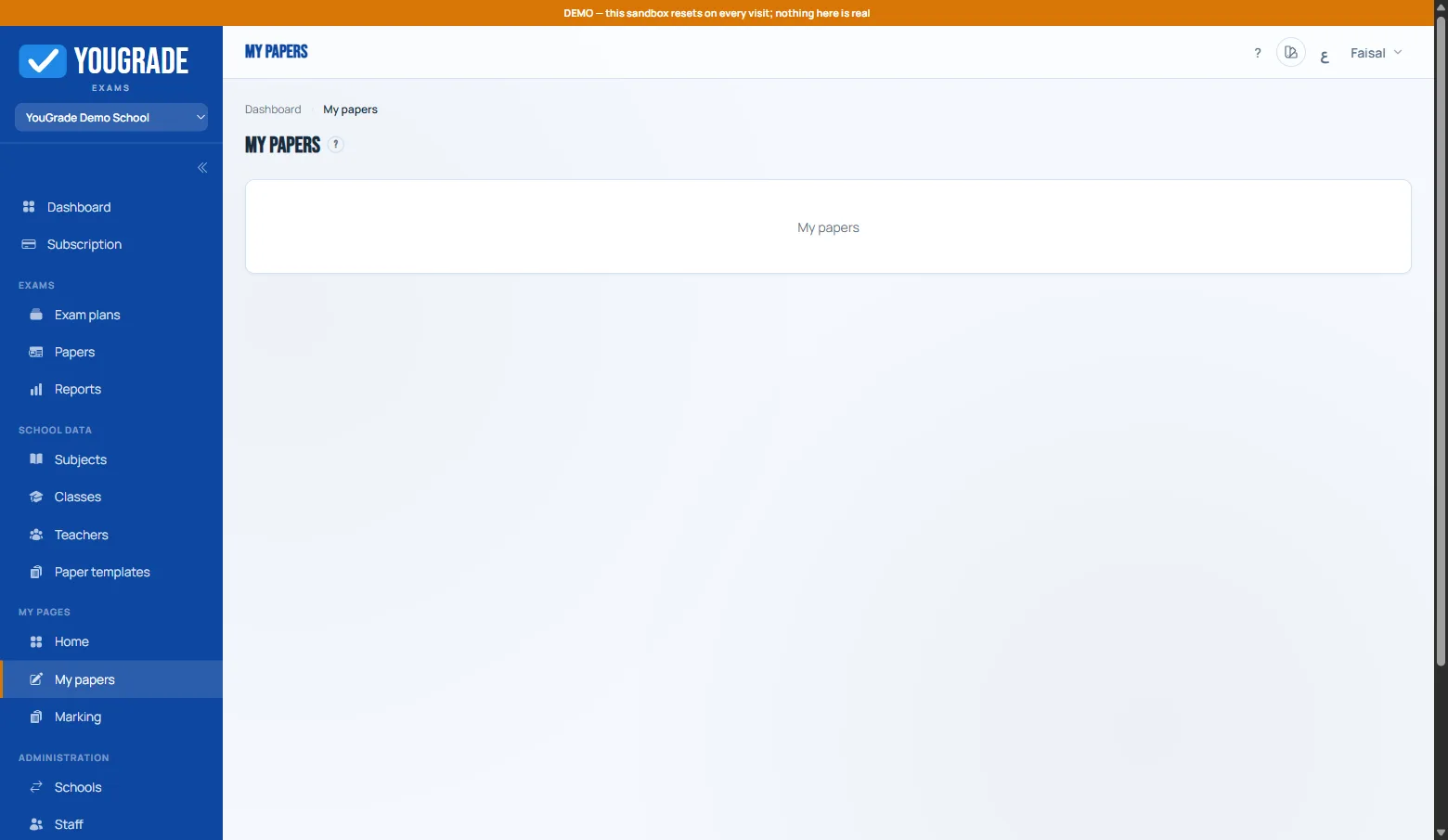
Teacher Paper Queue
Each teacher sees only their assigned papers: subject, template, deadline — with live review status.
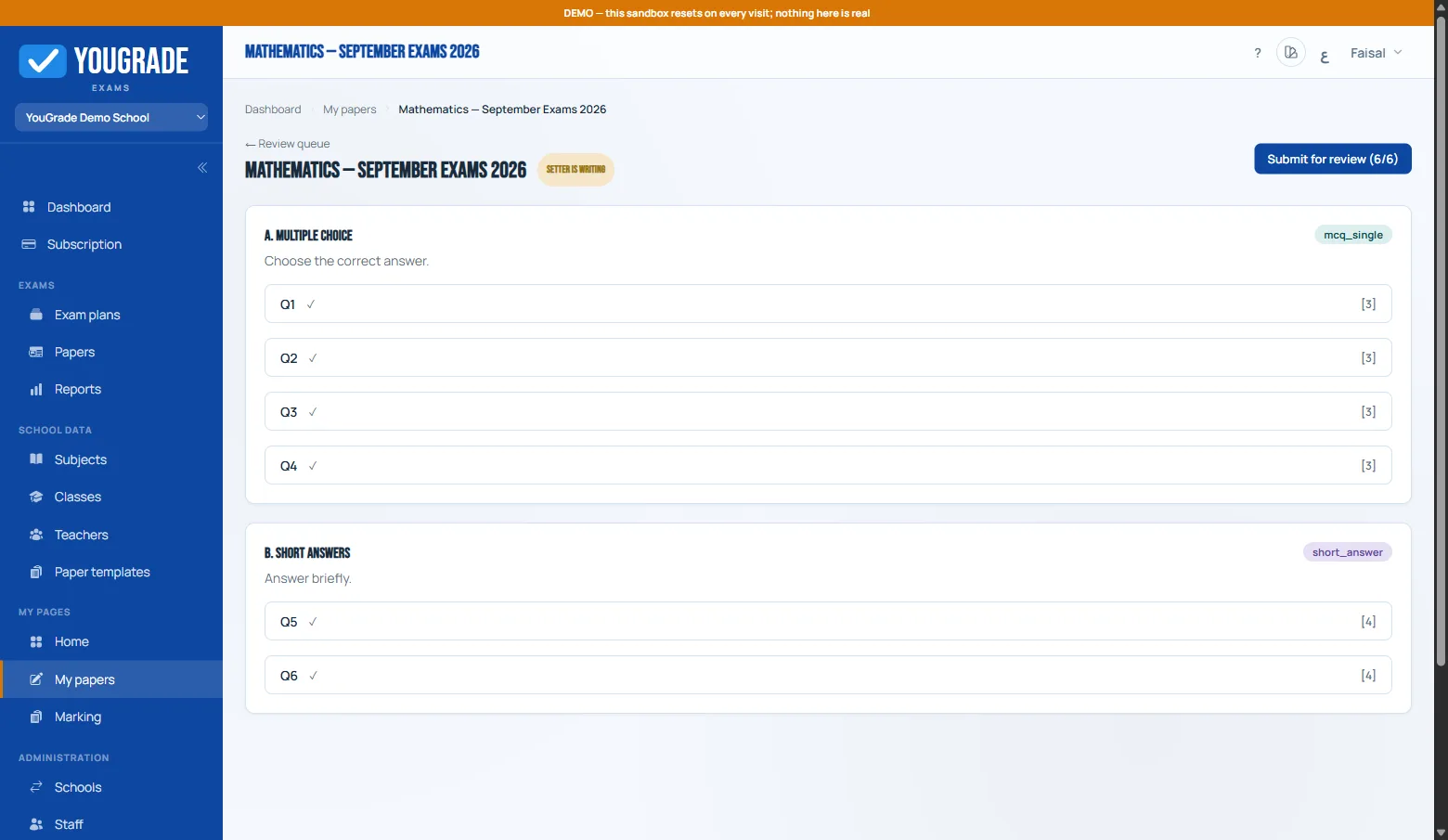
Question Authoring
Compose questions inside the template sections — multiple types, options, marks, and an optional model answer for the marker.
Students & Results
No student accounts — just the school ID and last 7 mobile digits, then results over a secure link.
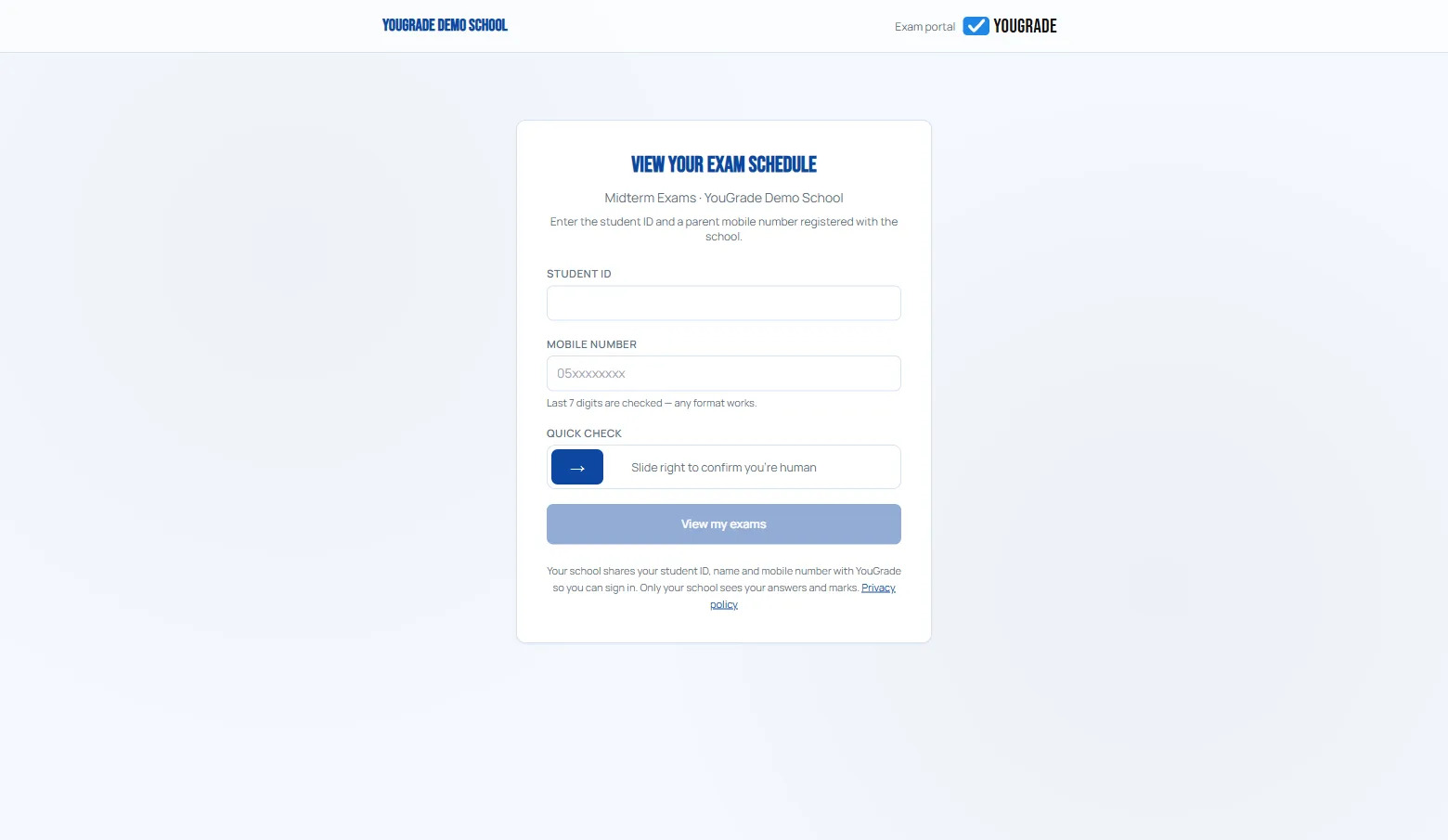
Student Gate
One screen: student ID + mobile last-7 + a slide check — the student lands on their own schedule instantly.
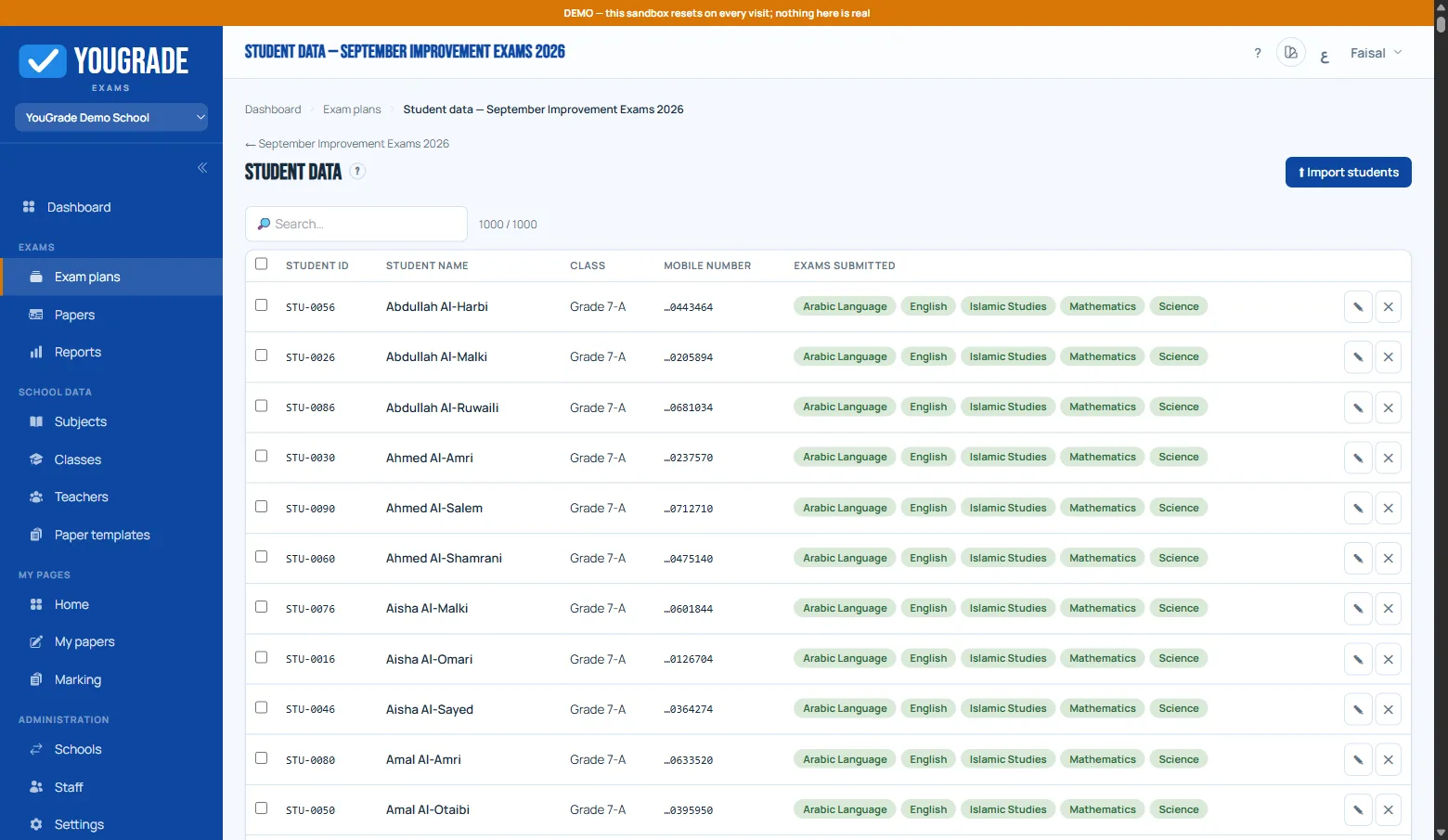
Student Roster
CSV upload per plan — classes auto-created, data validated, and the roster cap enforced by your activation.
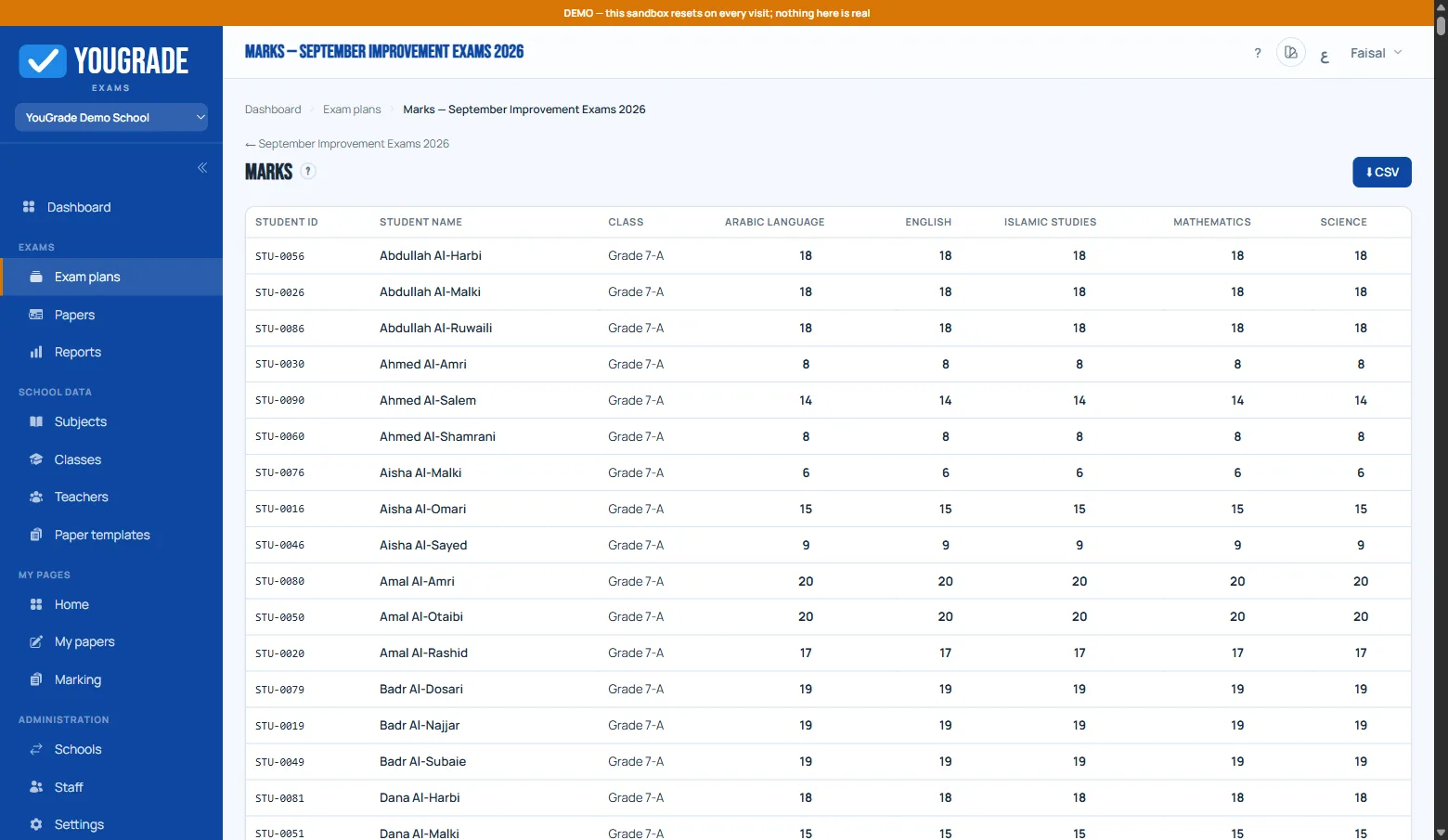
Marks Grid
Every student's marks across subjects in one grid — absent flags, and one-click class-wise CSV export.
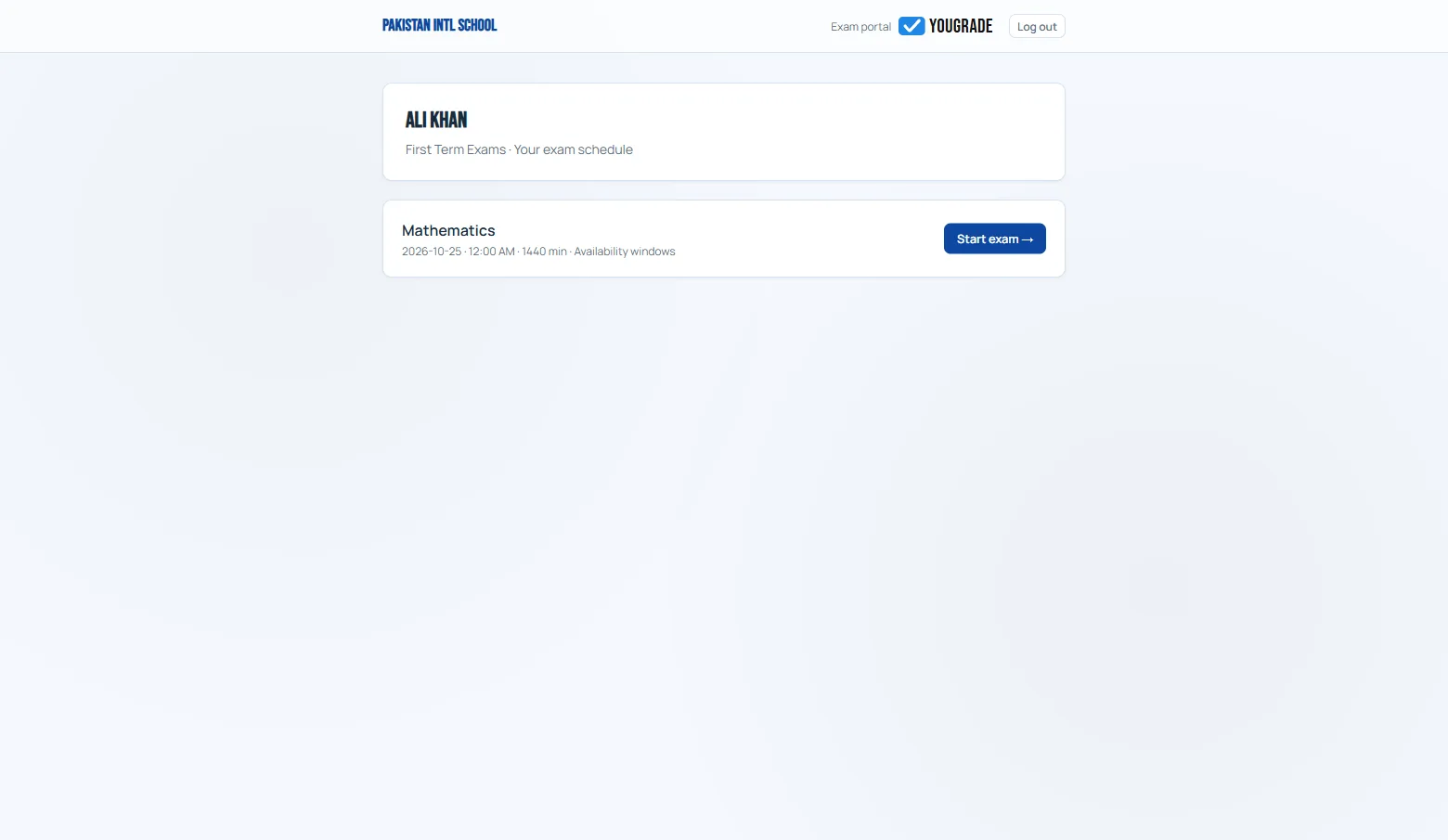
Student Schedule
After verifying, the student sees only their exams — subject, date, start window, and a clear Start button for each open exam.
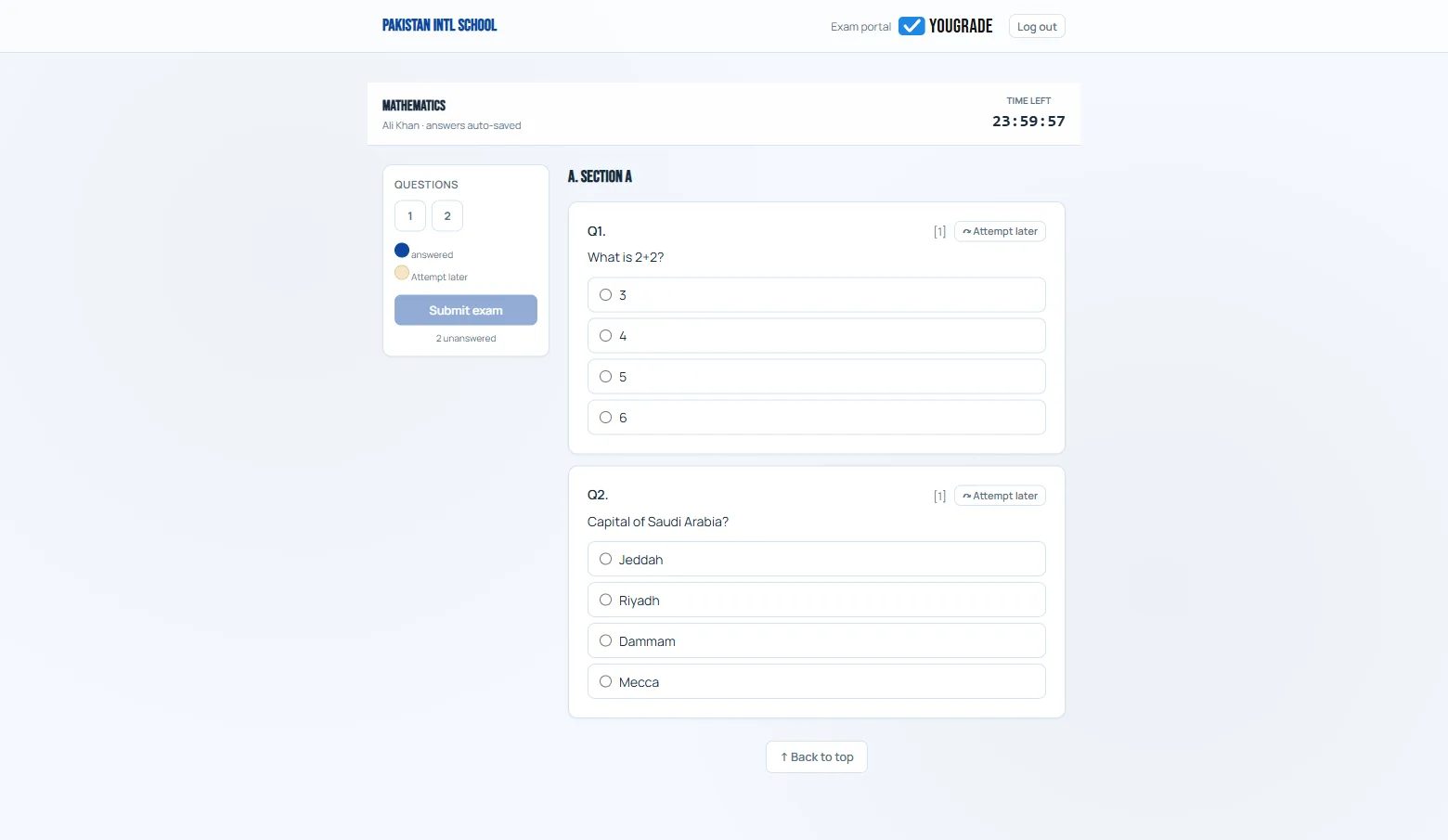
Exam Player
One question at a time with a navigation palette, autosave on every move, and photo attach for paper answers.
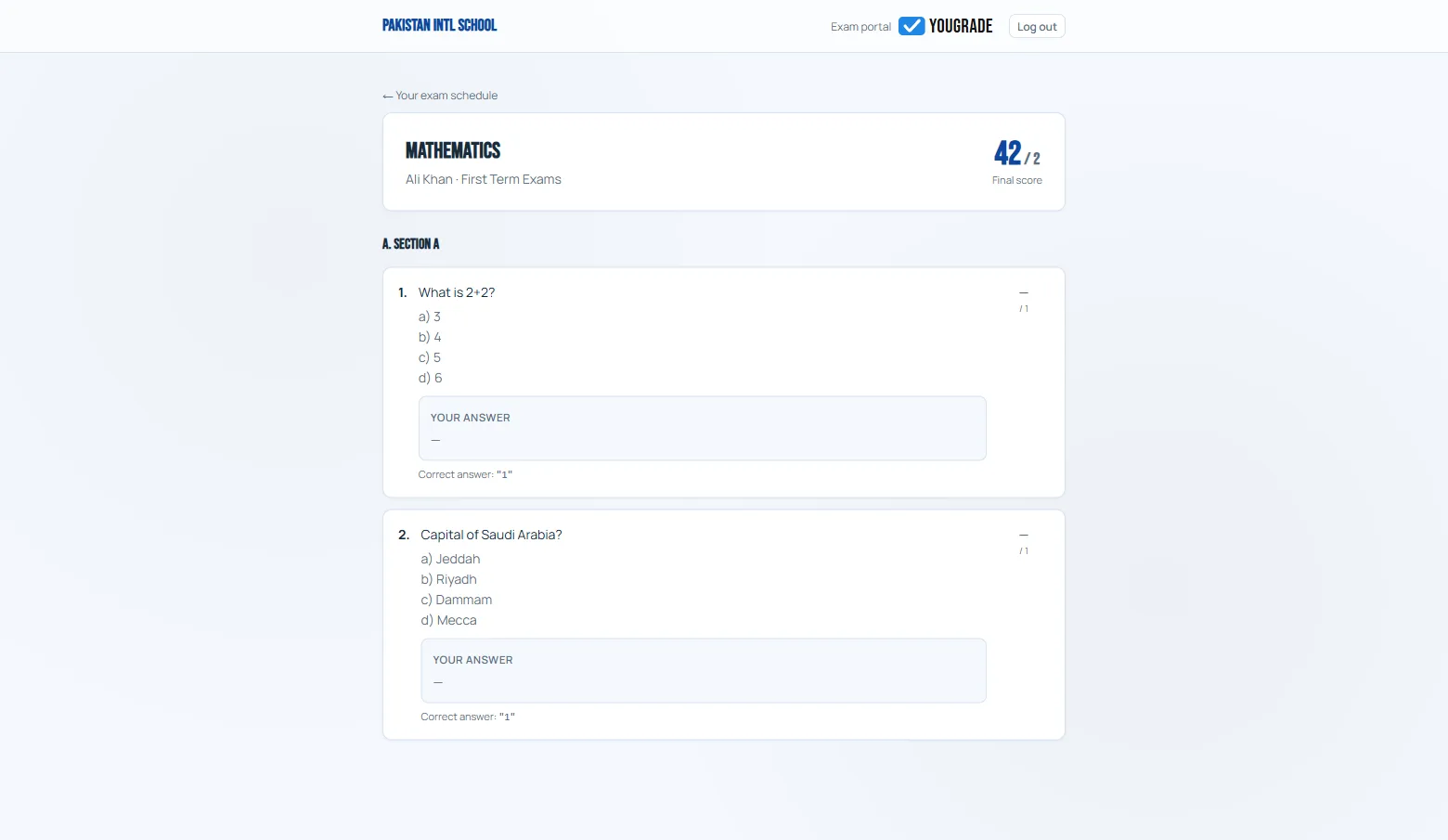
Result View
When results are published, students and parents open marks through the same link — per subject with question detail.
Integrity & Anti-Cheat
Optional per-plan defenses: question shuffling, pools, ID watermark, and a blur limit.
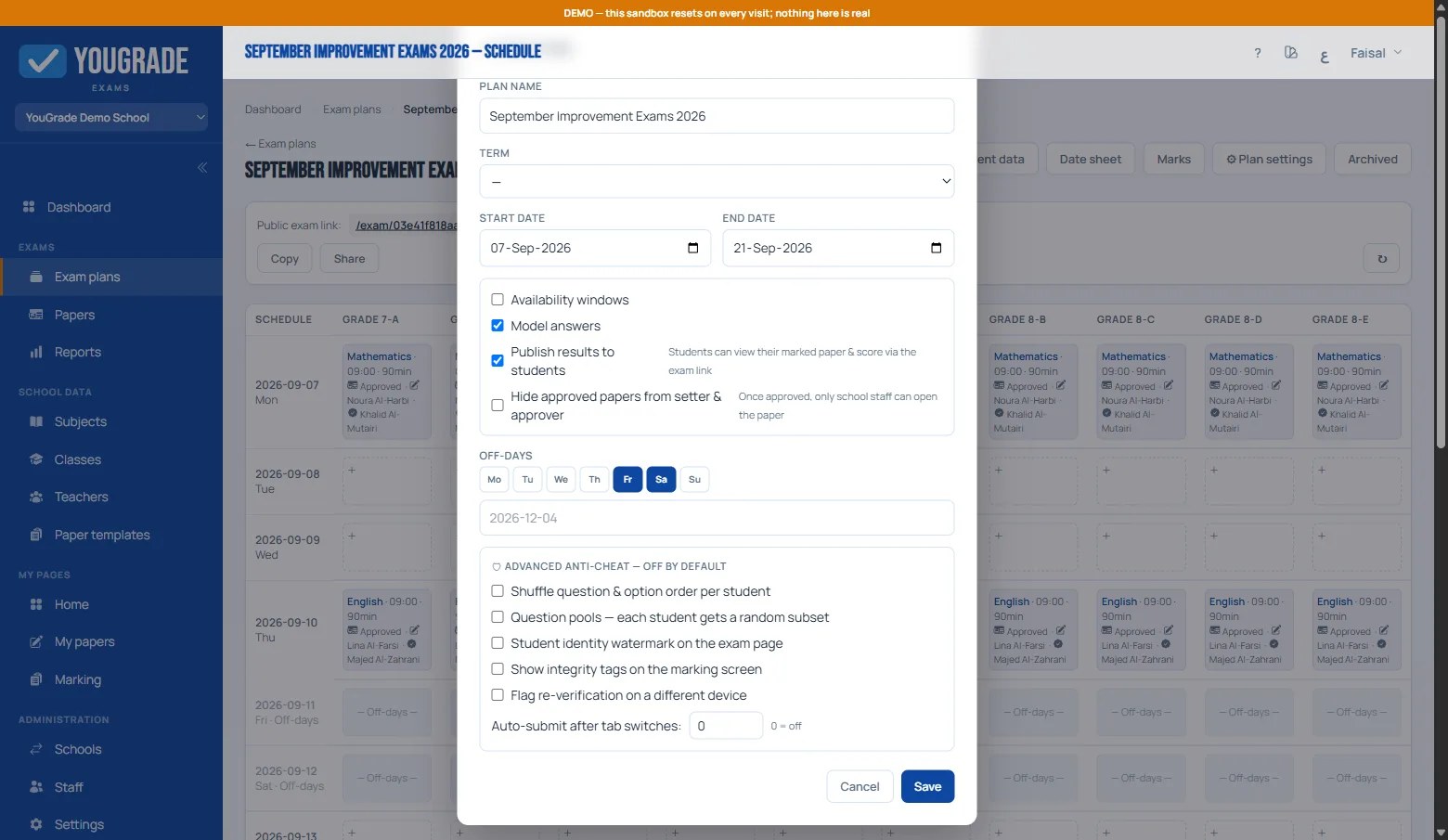
Integrity Settings
Six advanced toggles, off by default: question/option shuffling, question pools, student-ID watermark, blur limit, and multi-device detection.
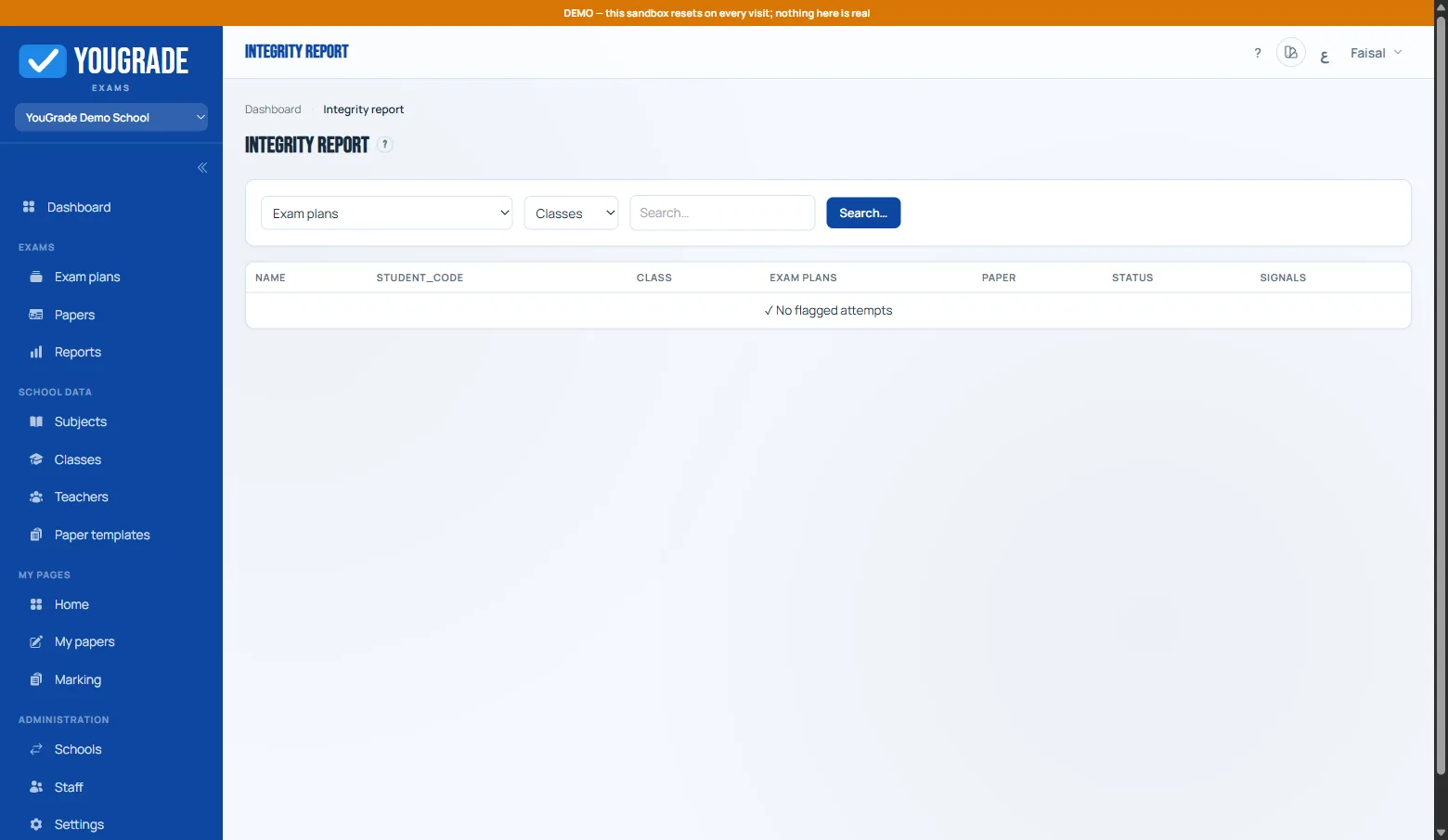
Integrity Report
Every flagged signal in one report — filter by plan, class, or student, with tags for each detected signal type.
Ready to try it in your school?
Start on the free tier — up to 4 plans and 50 students per plan, no card required.