
Running Online Exams in a Real School: The Working Checklist
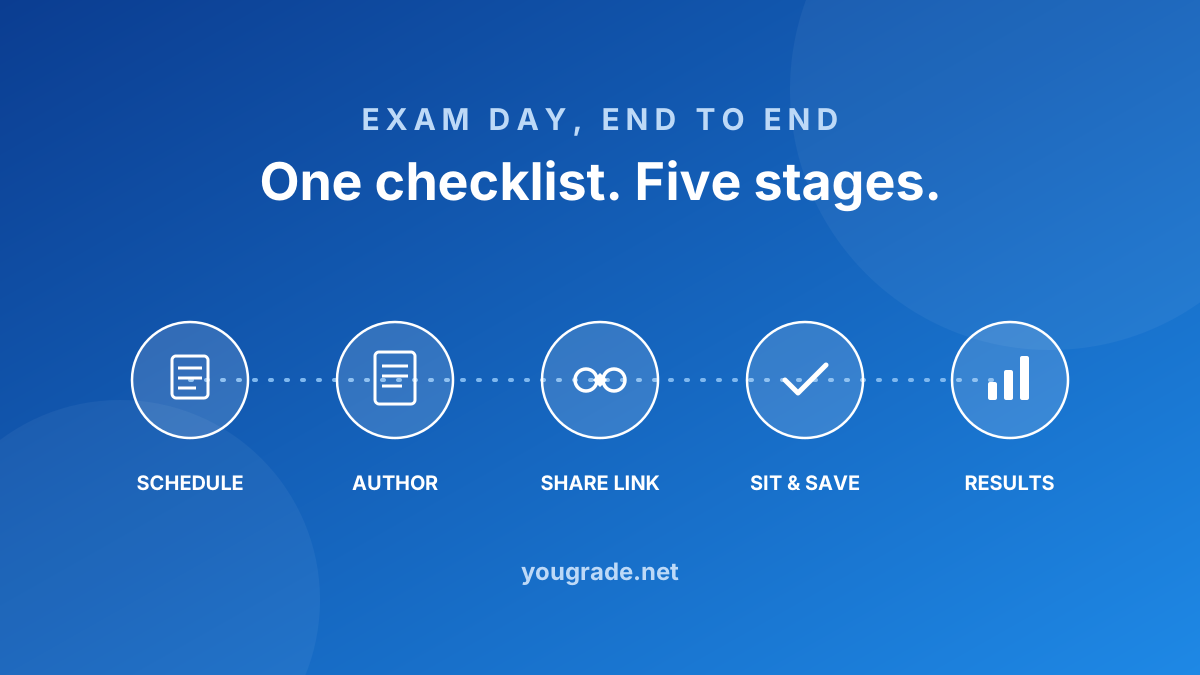
Every school that runs online exams successfully ends up doing the same five things in the same order — whether they use a platform or a folder full of spreadsheets. Here is the checklist, in order.
1. Schedule on a grid, not in a document. Dates down the side, classes across the top — one cell is one exam. The grid format exists because it is the only view where clashes, gaps and overloaded days are visible at a glance. If your date sheet is a Word table, this is the first thing to change.
2. Build papers from templates. A paper template fixes the structure once: section titles, question types, marks per question. Teachers then author inside that structure instead of formatting a new document — and every paper automatically carries the same standard.
3. Assign, review, approve. The setter drafts, an approver reviews, only then does the paper go live. The review chain is what separates a school exam from a shared document — and it is also where model answers get attached for the markers.
4. Verify students, skip the accounts. Issuing and resetting a thousand passwords is the hidden cost of most exam platforms. Verification against the school's own roster — student ID plus a known mobile number — gives each student a private session without anyone managing credentials.
5. Mark what needs marking, export the rest. Objective questions score themselves at submit. Written and photographed answers queue for teachers, scoped by class. When marking finishes, publish — parents read results through the same link students used to sit the exam.
None of these steps is complicated on its own. The checklist fails when they live in different places — a schedule in Excel, papers in email, marks in a notebook. The point of a platform is that all five share one source of truth.
Try YouGrade free — set up your school in minutes.
Staff sign in